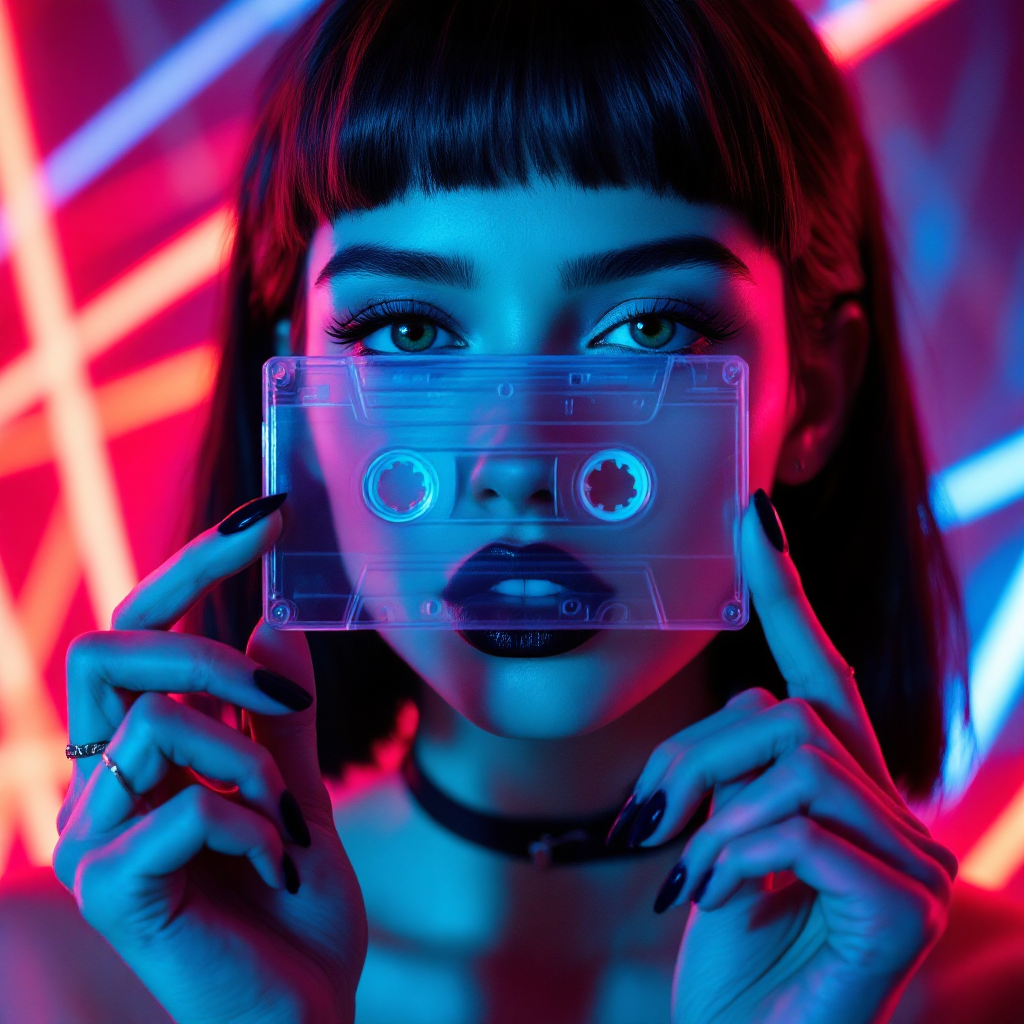
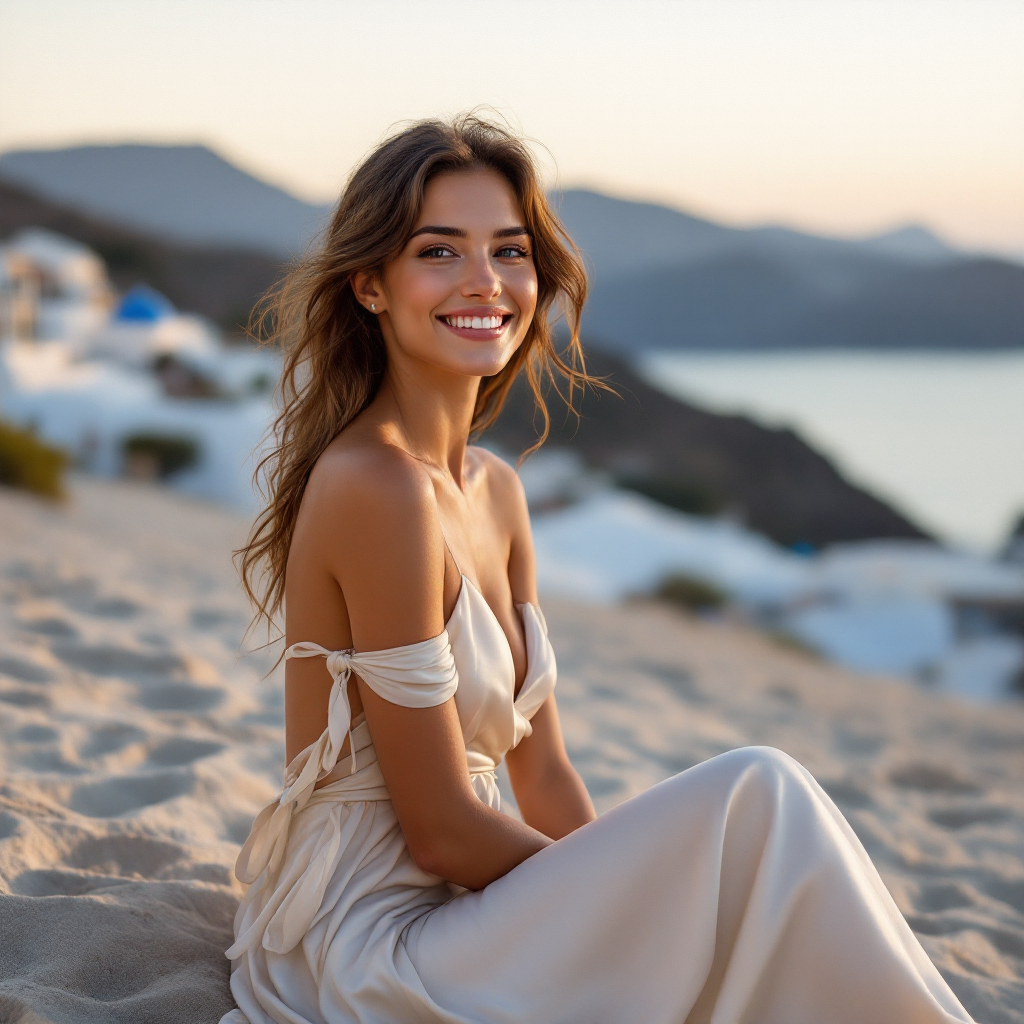
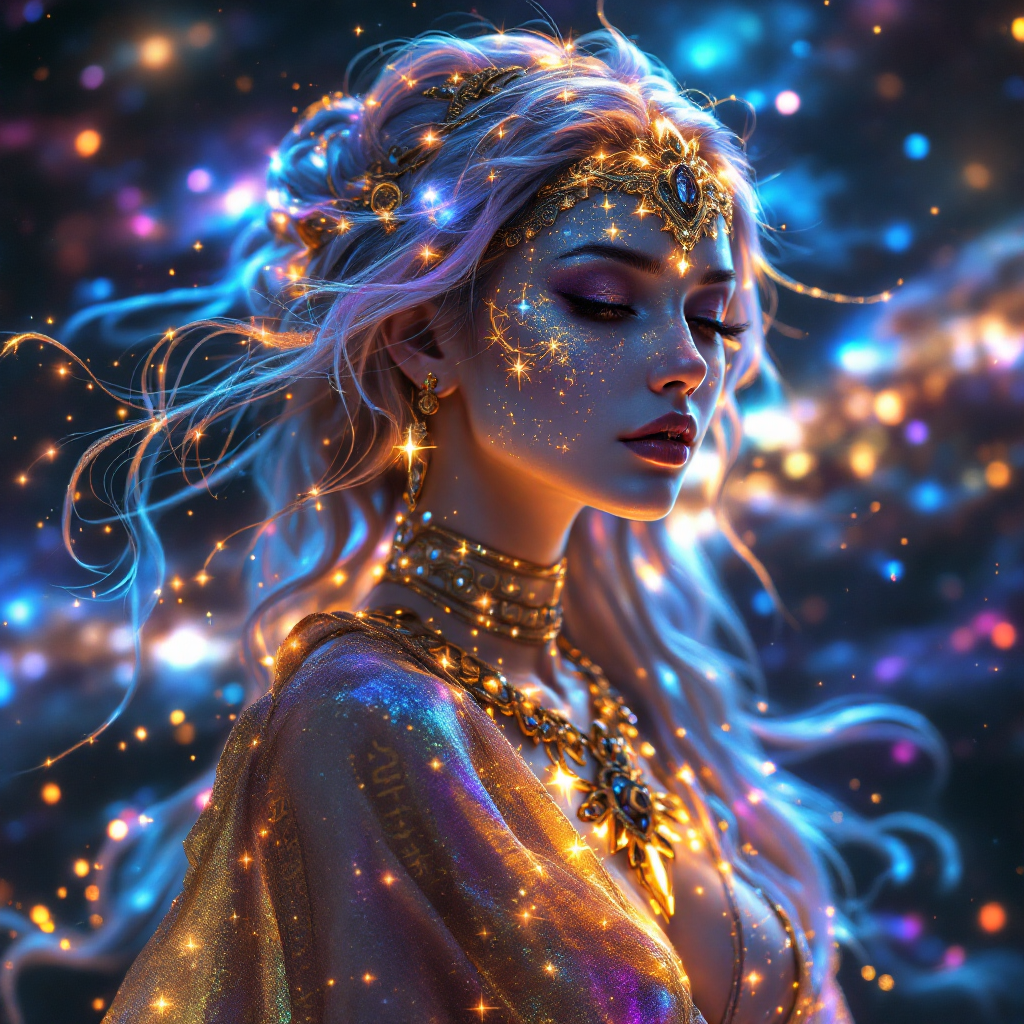
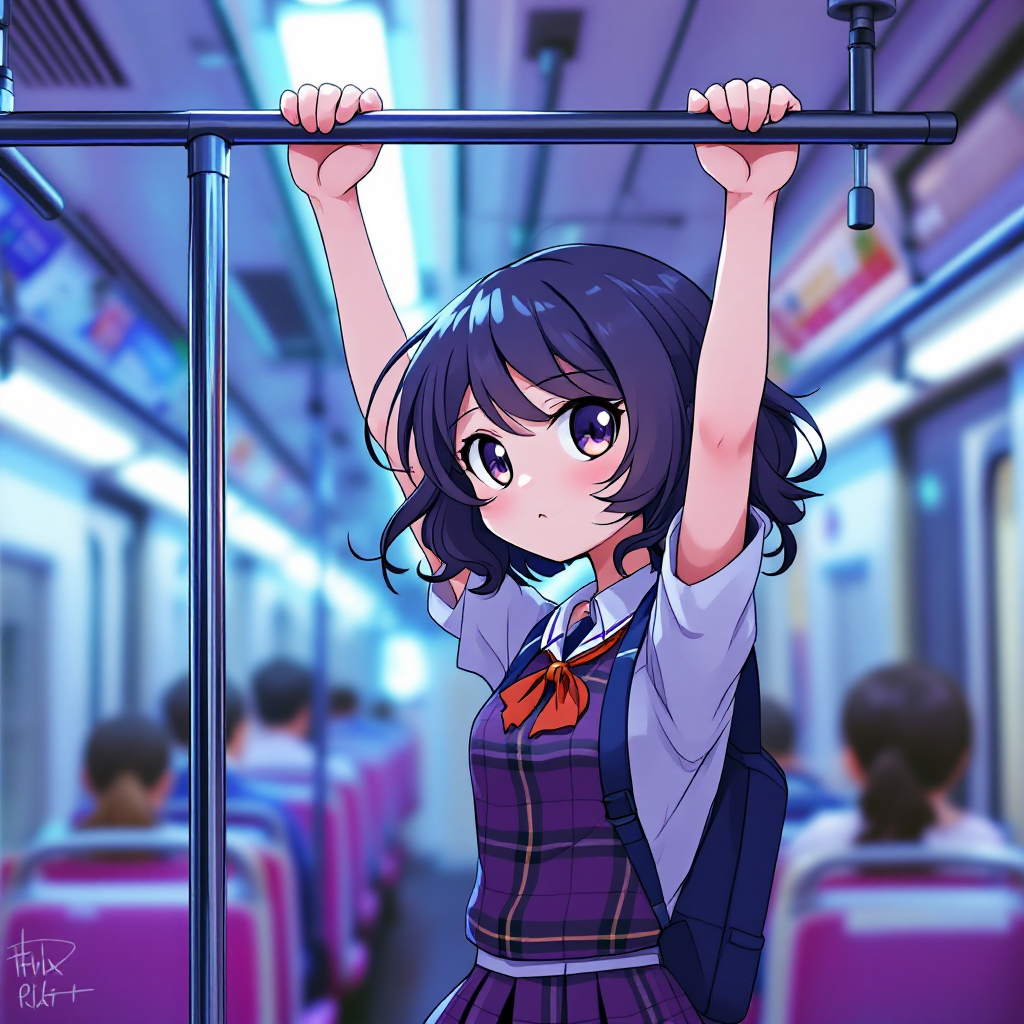
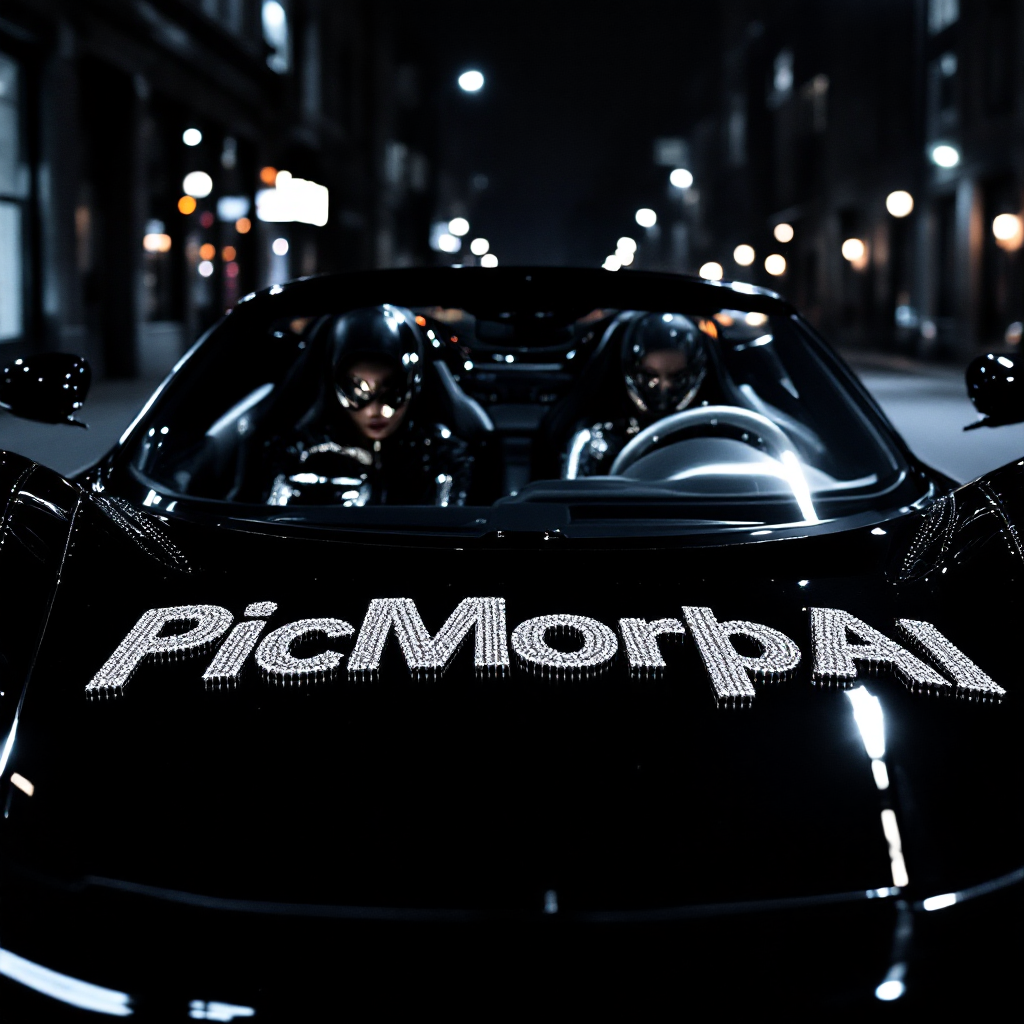
‘PicMorph AI’ written on the hood of a car, bejeweled lettering
Words into pictures.
Describe it in plain words, text and all. Pick Nano Banana, Seedream or FLUX, or let Auto choose.
Open Text to ImageImages from a sentence or a photo. Then make them move.
Type a sentence 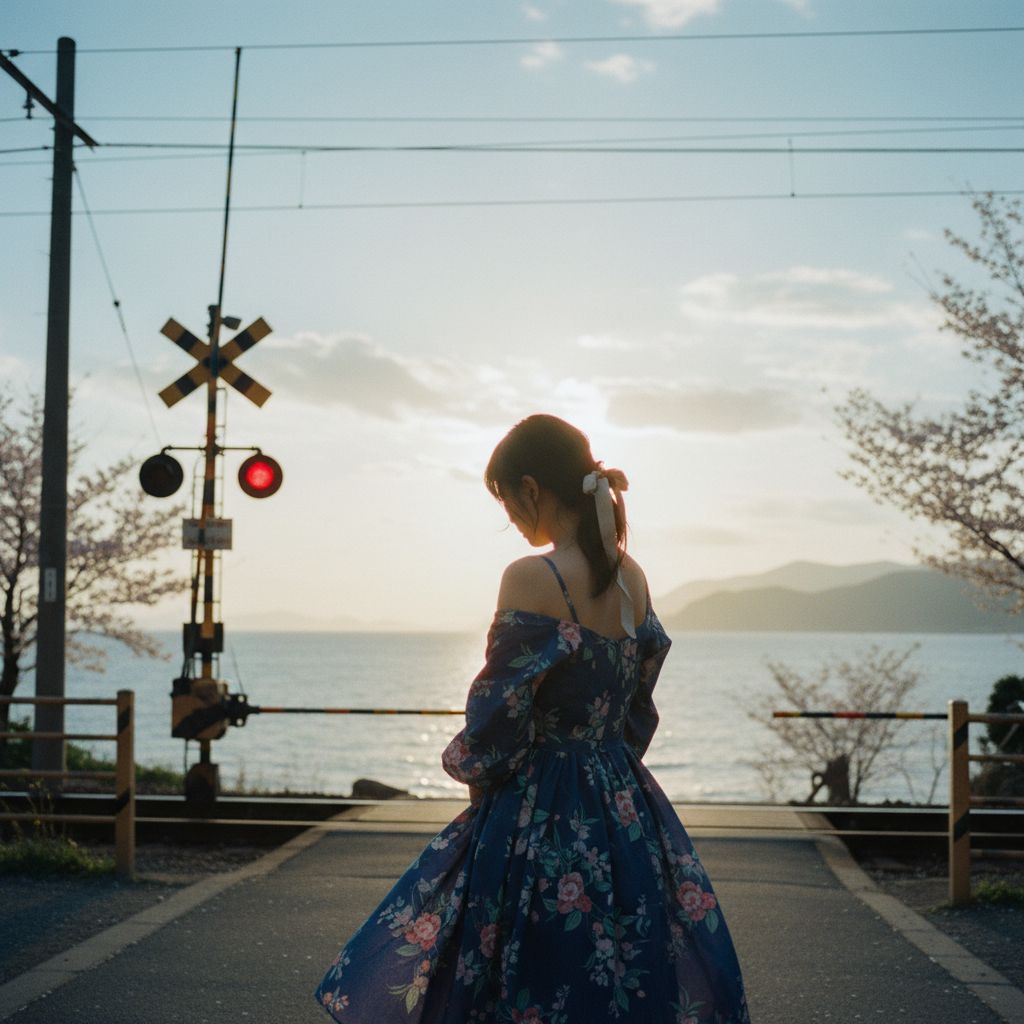 or drop in a photo
 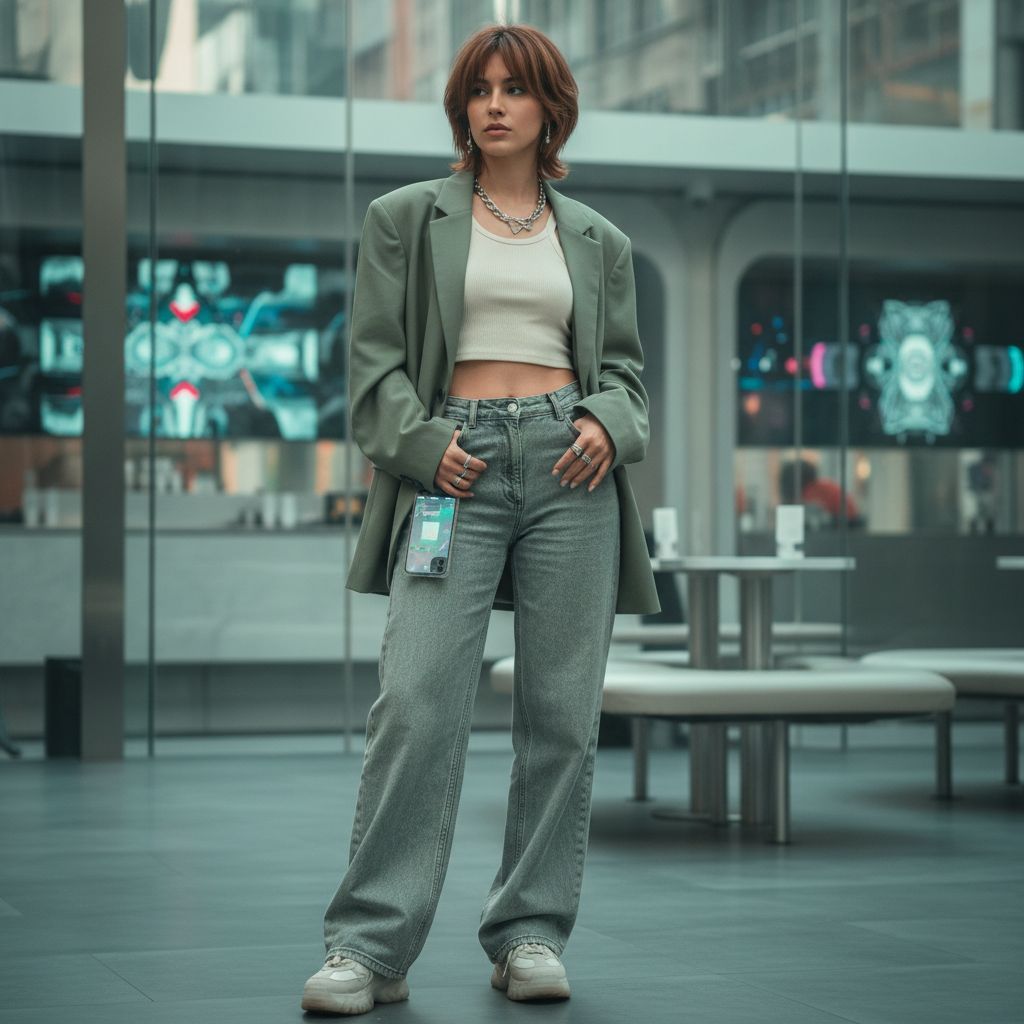 , and PicMorph turns it into pictures and video
 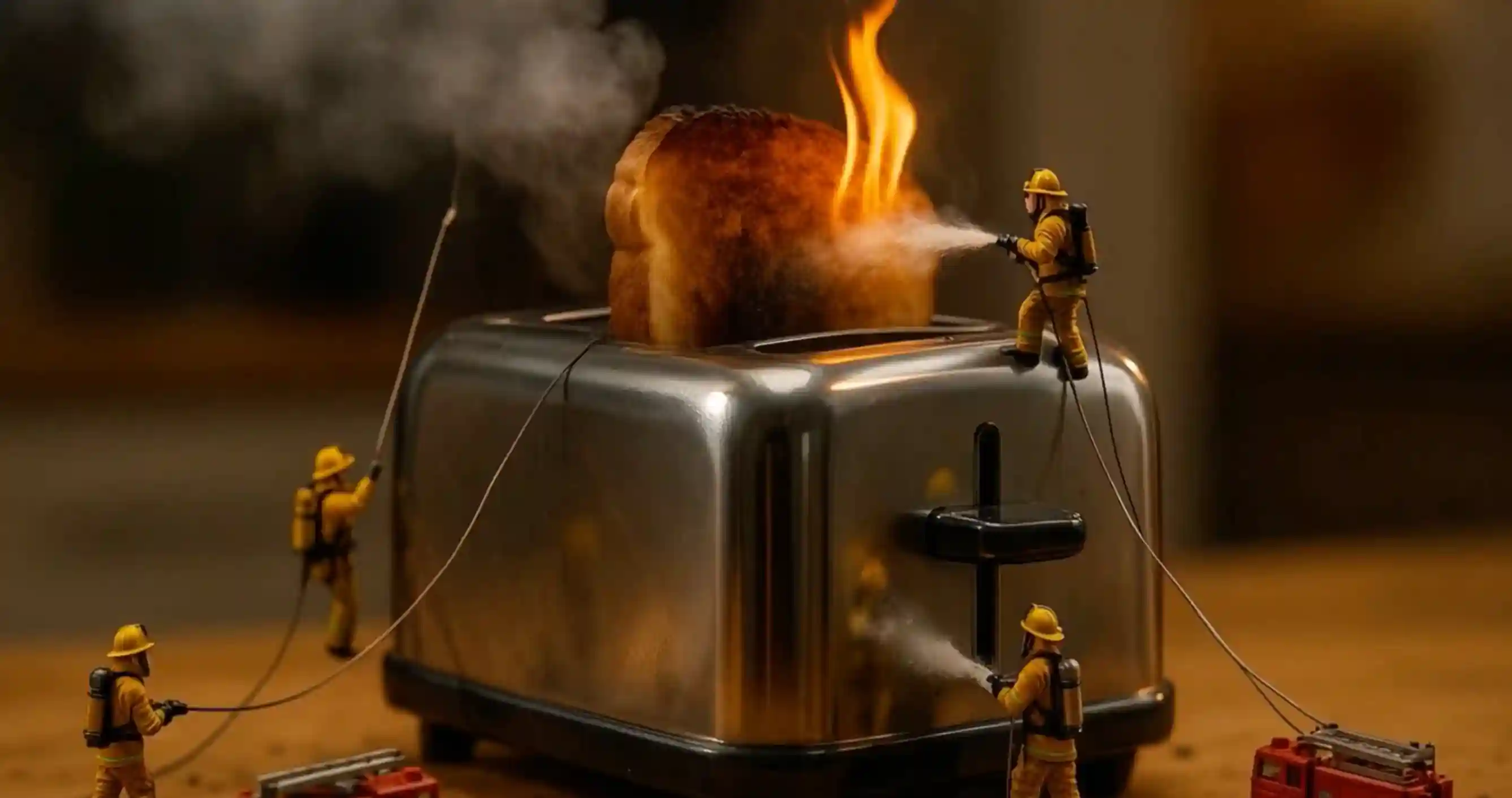 with the best models, in one place.
‘PicMorph AI’ written on the hood of a car, bejeweled lettering
Describe it in plain words, text and all. Pick Nano Banana, Seedream or FLUX, or let Auto choose.
Open Text to ImageShow this person as if photographed in 2025
Add a photo and say what should change. Keep the person; change the clothes, the light, the decade.
Open Image EditorGive any image a few seconds of motion. A knife slides through, steam rises, the camera pushes in.
Open Image to VideoKeep the motion of a video and put a new character in it. Same moves, new face.
Open VideoMorphFree
credits when you sign up
Credits, not seats. The price is on the button before you start, and failed creations are refunded.
See pricingReady-made tools that each do one job well. Same sign-in, same credits.
See all studiosPastCamera · your photo, six decades

Portra · ID photos
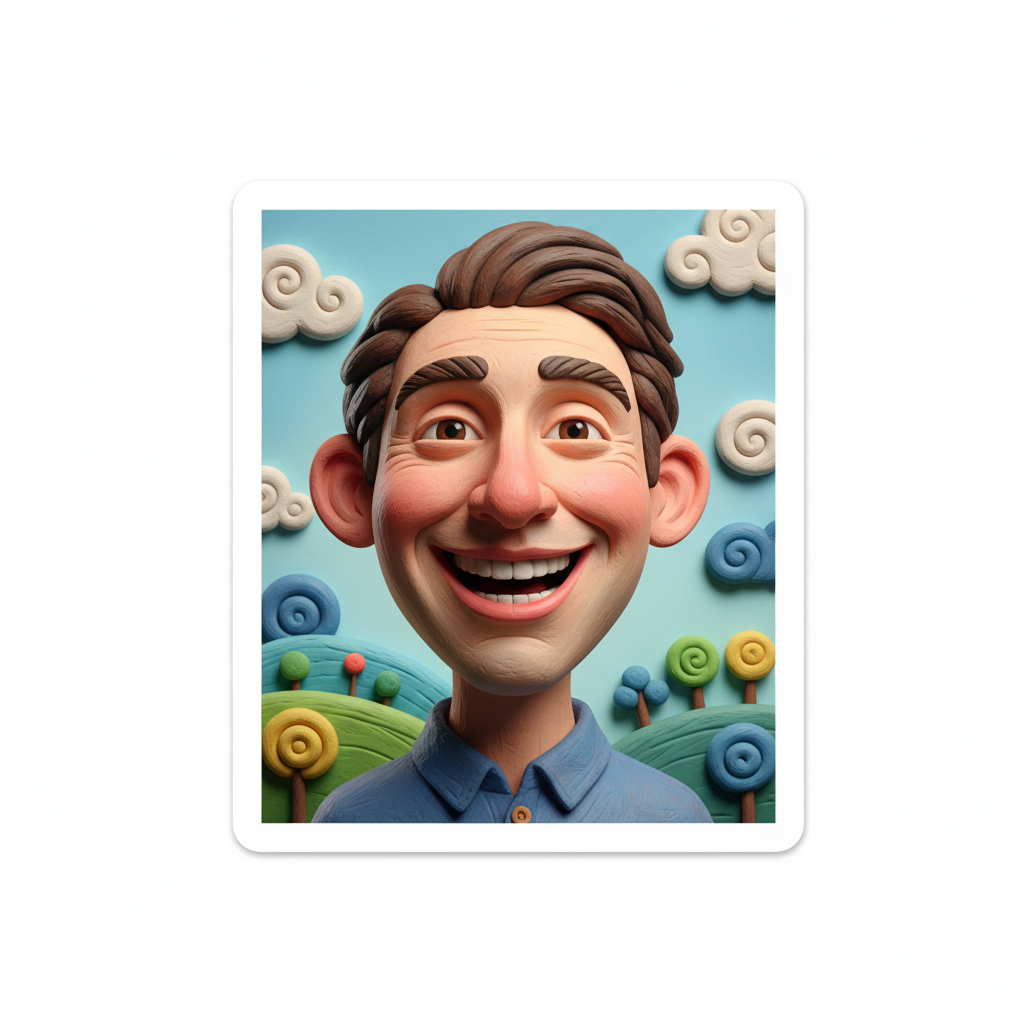
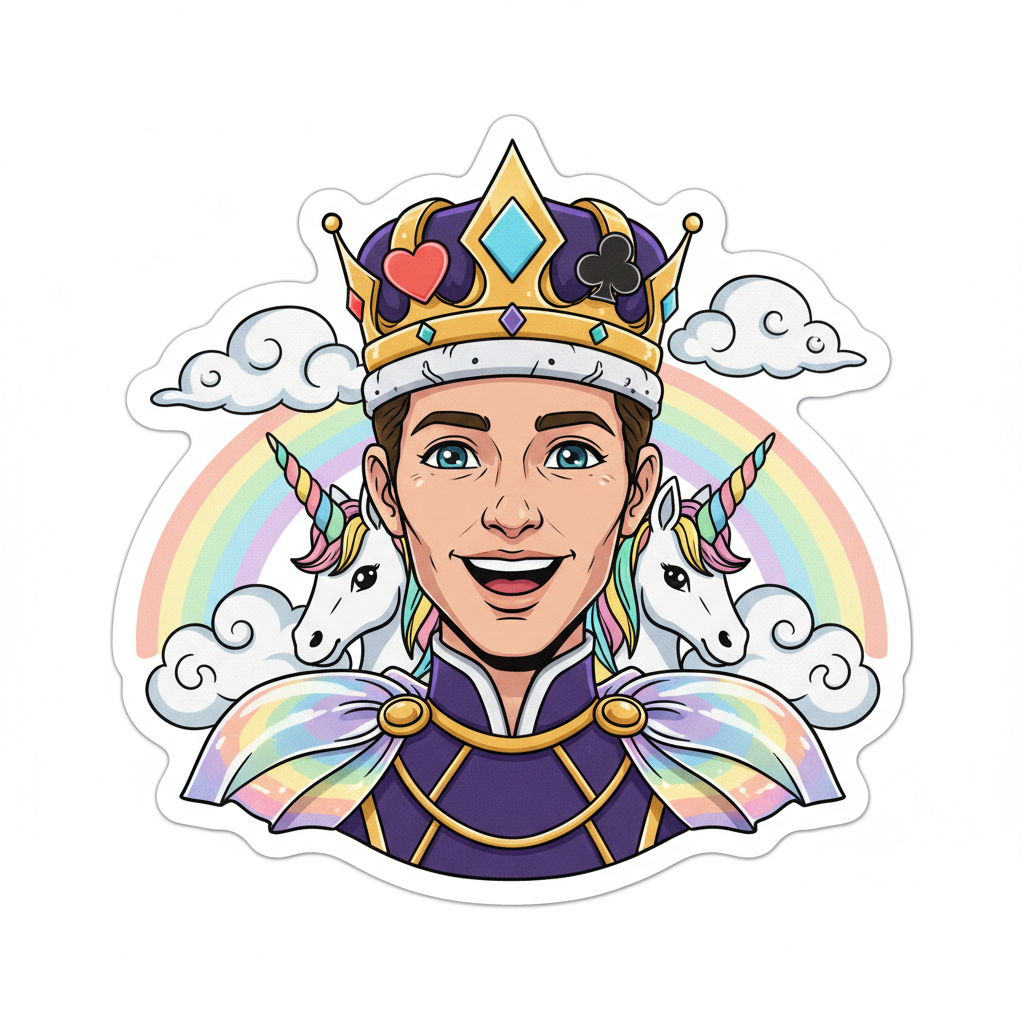
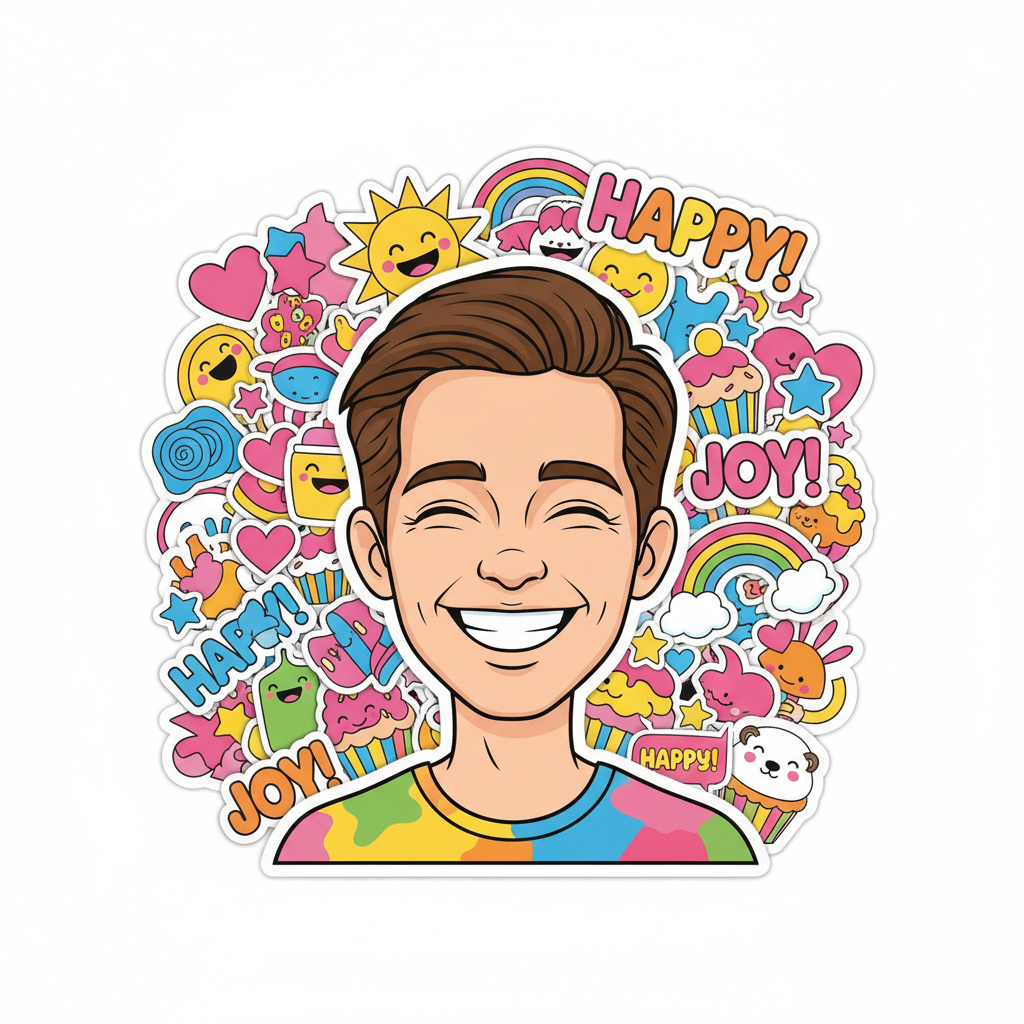
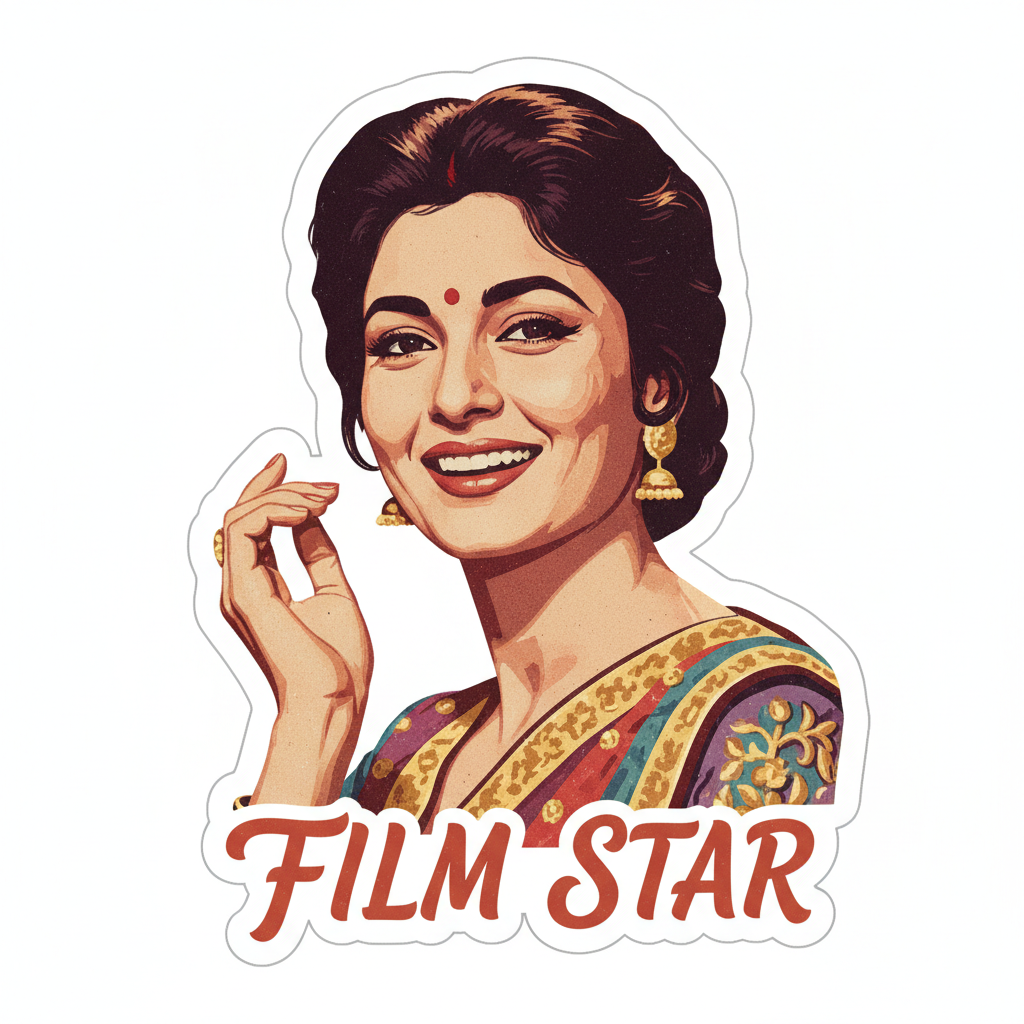
GemStickers · one selfie, many stickers


BannerCraft · 1500 × 500 header
Image to Video · 5 s clip
MotionCraft · stop-motion
No. Your first image is free, no sign-up. After that, sign in to keep creating; new accounts get free credits.
Every creation shows its price on the button before you start. If a creation fails, its credits come back.
Auto picks a strong default. Signed in, you can choose Nano Banana, Nano Banana Pro, Seedream, FLUX or Ideogram, and the tools have more.
Yes. Add a photo and say what should change. PicMorph keeps the person and changes the rest.
Signed in, every result is saved to My Workspace. As a guest, download your image before you leave.
Email support@picmorph.ai. Your plan stays active until the end of the billing period, with no extra charges.