Text to Image
Describe a picture in plain words. It arrives in seconds.
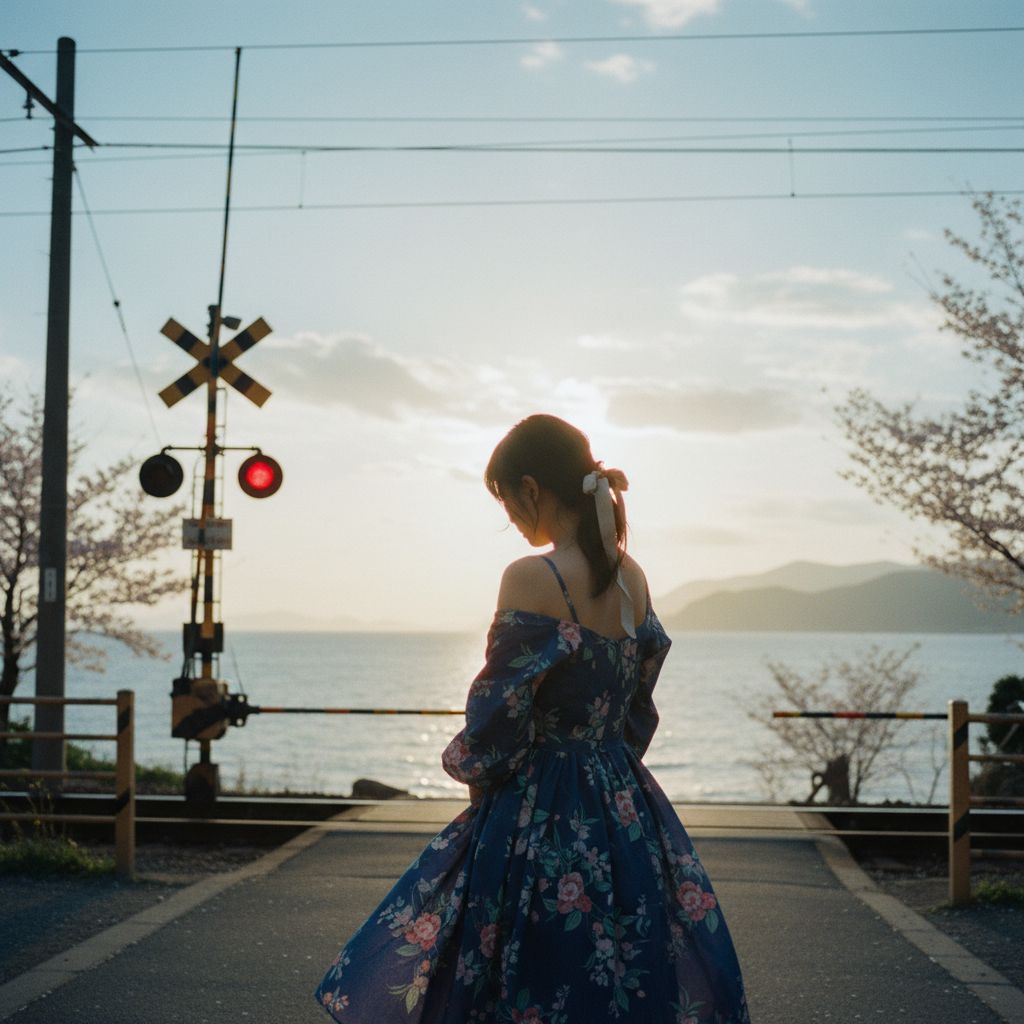
Example
How it works
Transform your ideas into stunning visuals with PicMorph AI's advanced text-to-image generation technology.
- 1
Describe it: who or what, where, the light, the style. Words in quotes appear in the picture.
- 2
Pick a shape. Leave the model on Auto, or choose one and see its price.
- 3
Create. Keep what you like, make another version, or edit it next.
Questions
Do I need an account?
No. Your first image is free, no sign-up. After that, sign in to keep creating; new accounts get free credits.
How do credits work?
Every creation shows its price on the button before you start. If a creation fails, its credits come back.
Which AI models can I use?
Auto picks a strong default. Signed in, you can choose Nano Banana, Nano Banana Pro, Seedream, FLUX or Ideogram, and the tools have more.
Can I edit my own photos?
Yes. Add a photo and say what should change. PicMorph keeps the person and changes the rest.
Where do my creations go?
Signed in, every result is saved to My Workspace. As a guest, download your image before you leave.
How do I cancel my subscription?
Email support@picmorph.ai. Your plan stays active until the end of the billing period, with no extra charges.